AI video generation built into VS Code. Generate reference frames in the image tab, push them straight into a video, or hand a whole song to the Music Video Orchestrator and let it storyboard, generate, and render a multi-segment cut — with your API keys staying on your machine.
Frame Minion spans OpenRouter's full image and video catalog — and reaches fal.ai for Wan lip-sync. Switch models from a dropdown; bring your own keys.
Powered by OpenRouter + fal.ai — bring your own keys.
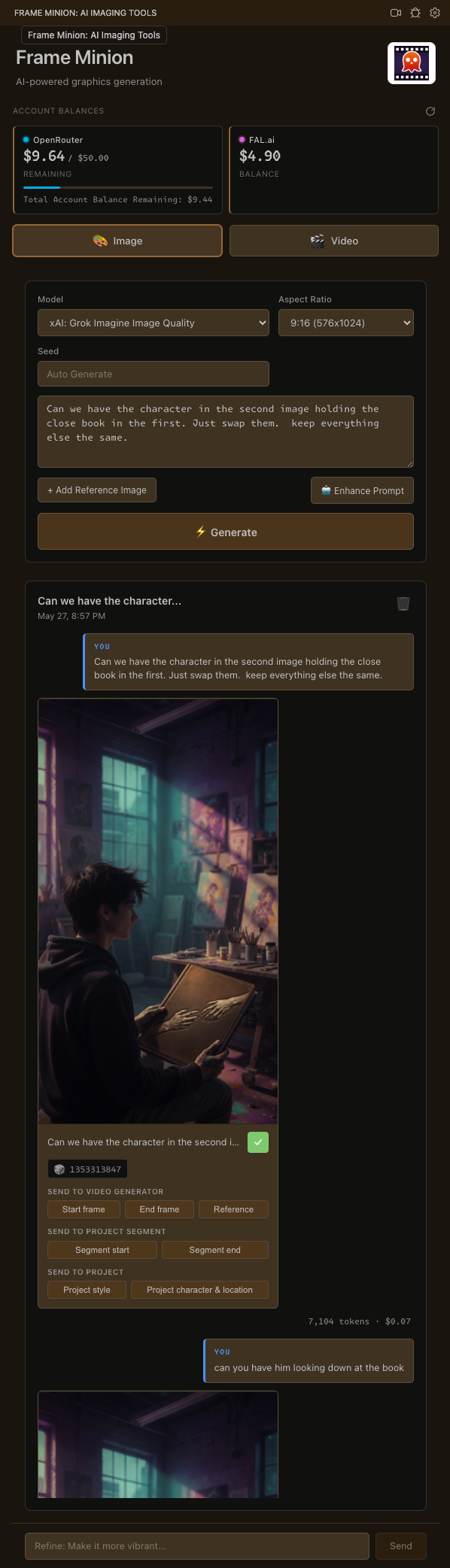
A chat-style image generator for crafting exactly the start, end, and reference frames your shot needs.
Push any image straight into a video as a start frame, end frame, or reference — then generate with the model of your choice.
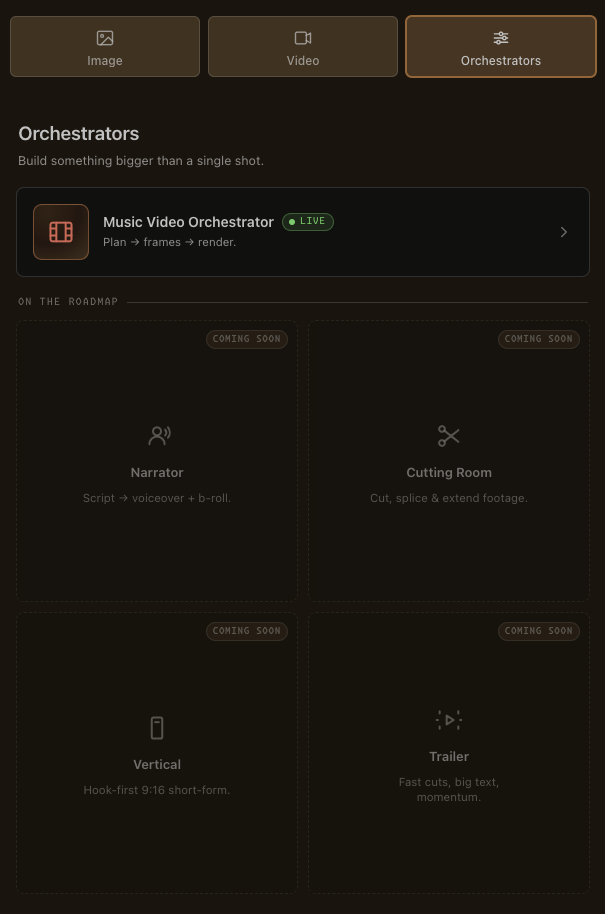
Hand a song to the Music Video Orchestrator and let it plan, generate, and render a multi-segment cut.

Chat-style, iterative image generation across OpenRouter's image models — Gemini, GPT Image, FLUX. Upload references, control aspect ratio, get multi-image responses.
Your image gallery becomes a frame factory feeding the video form.

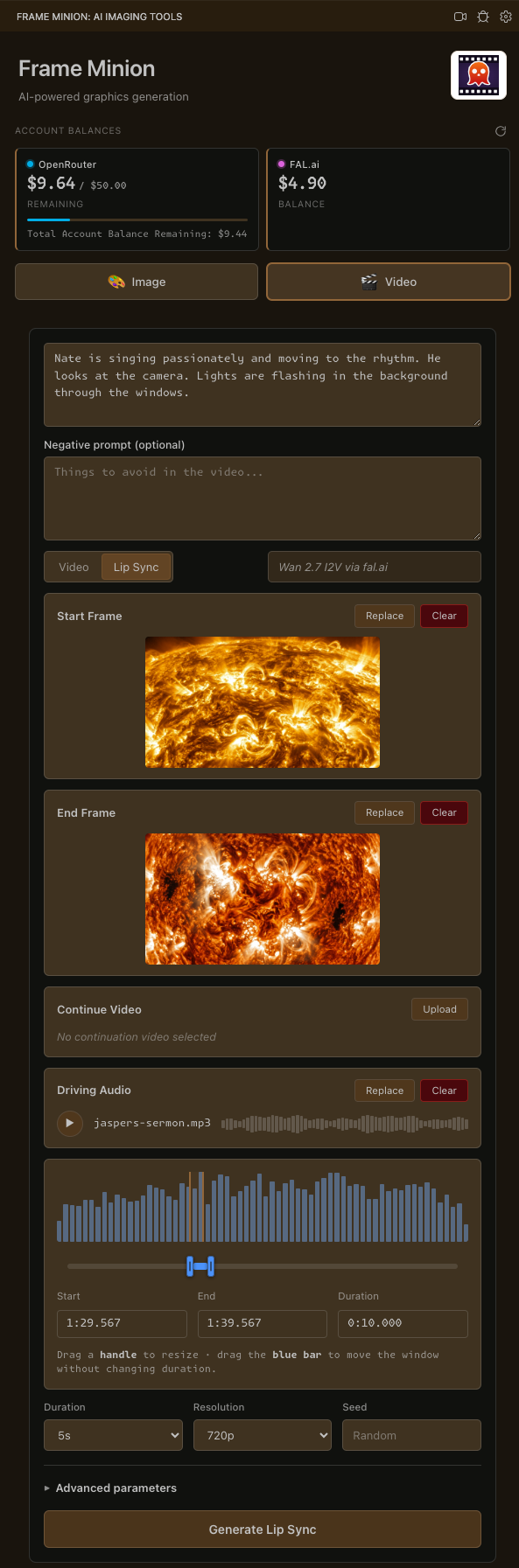
Video is expensive per render, so there's no chat thread here — just a focused single-shot form. Prompt, model, reference image, start frame, end frame, audio.
↻ auto-refreshes after every generation
Live OpenRouter and fal.ai account balances sit in the sidebar and auto-refresh after every generation — so you're never surprised by a render bill. You pay the providers directly; the extension is free.
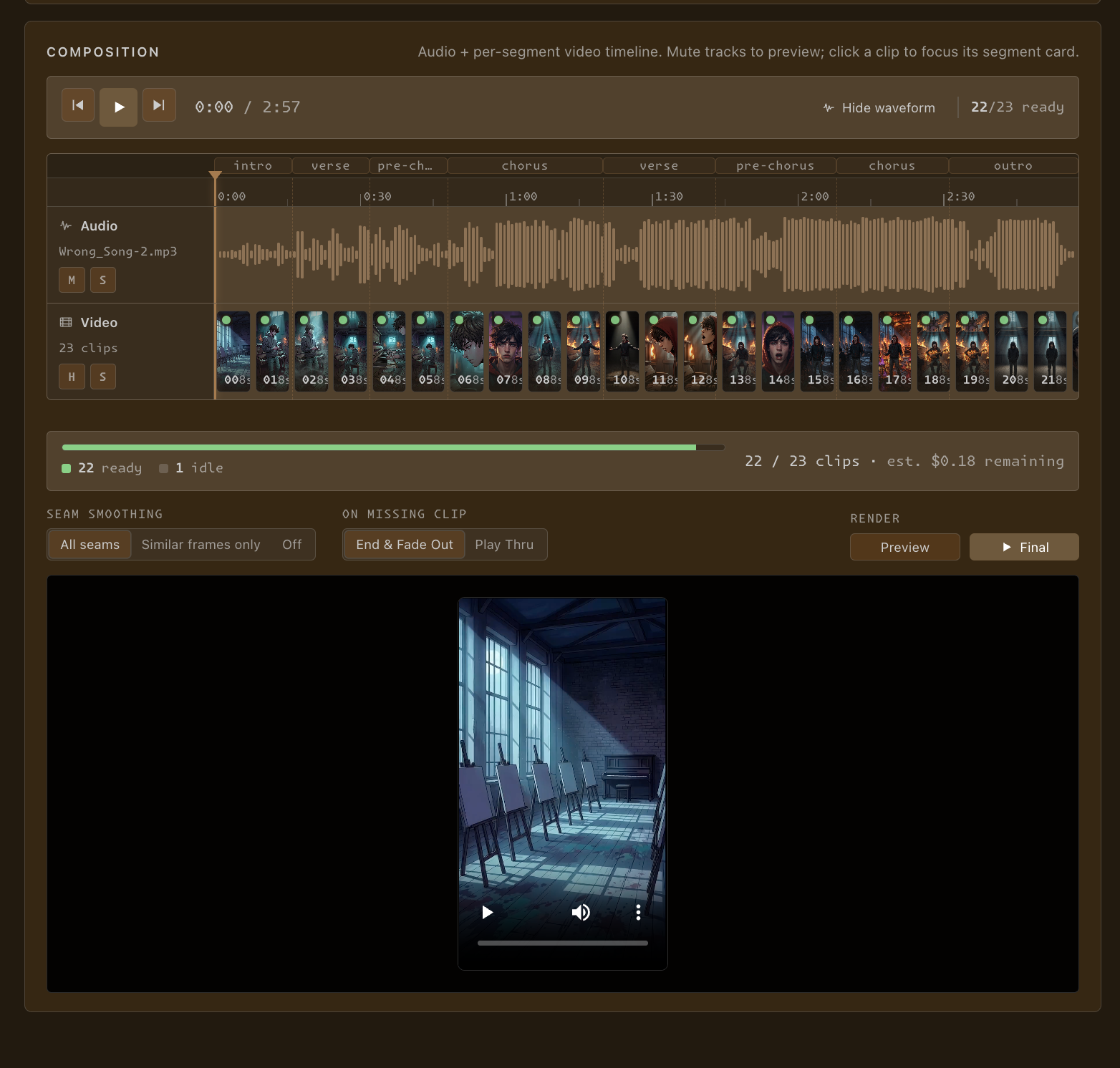
Give it a song and a concept. It does the rest of the pre-production — segmenting the track, storyboarding frames, generating a clip per segment, and rendering the final cut with ffmpeg.
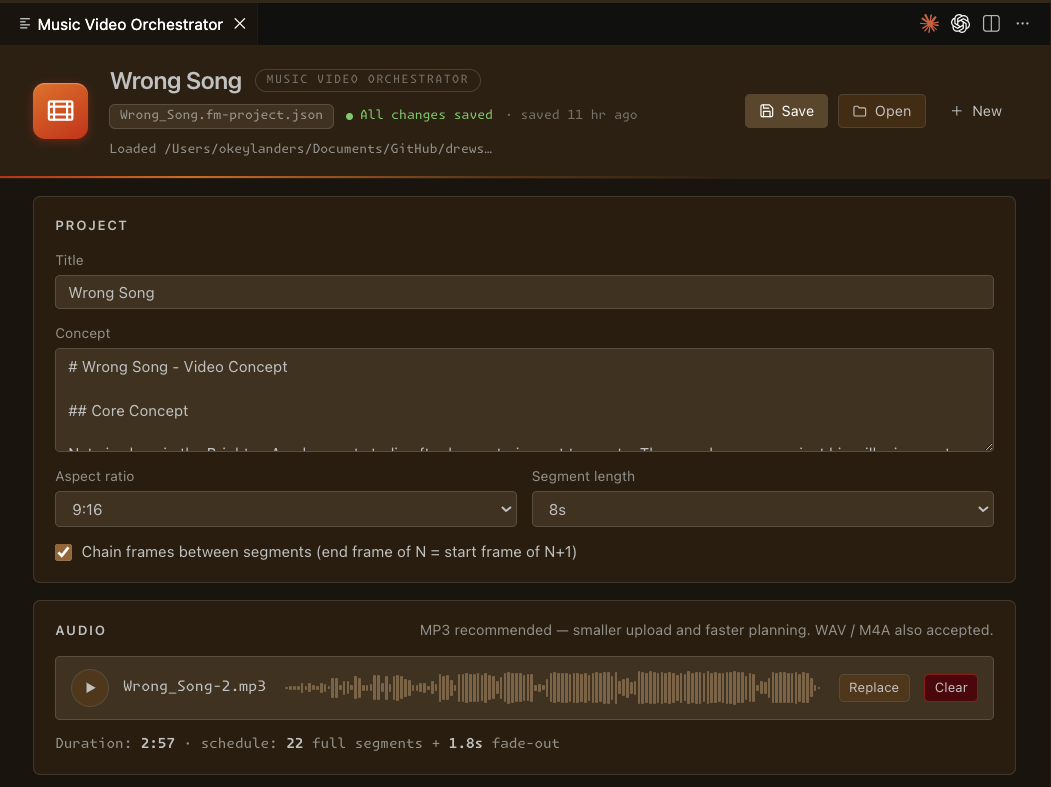
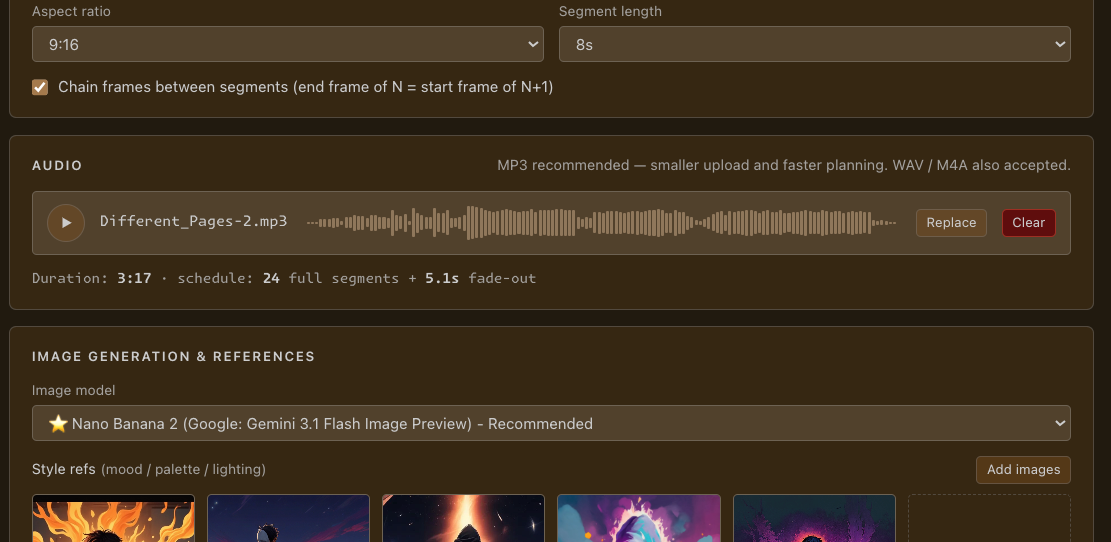
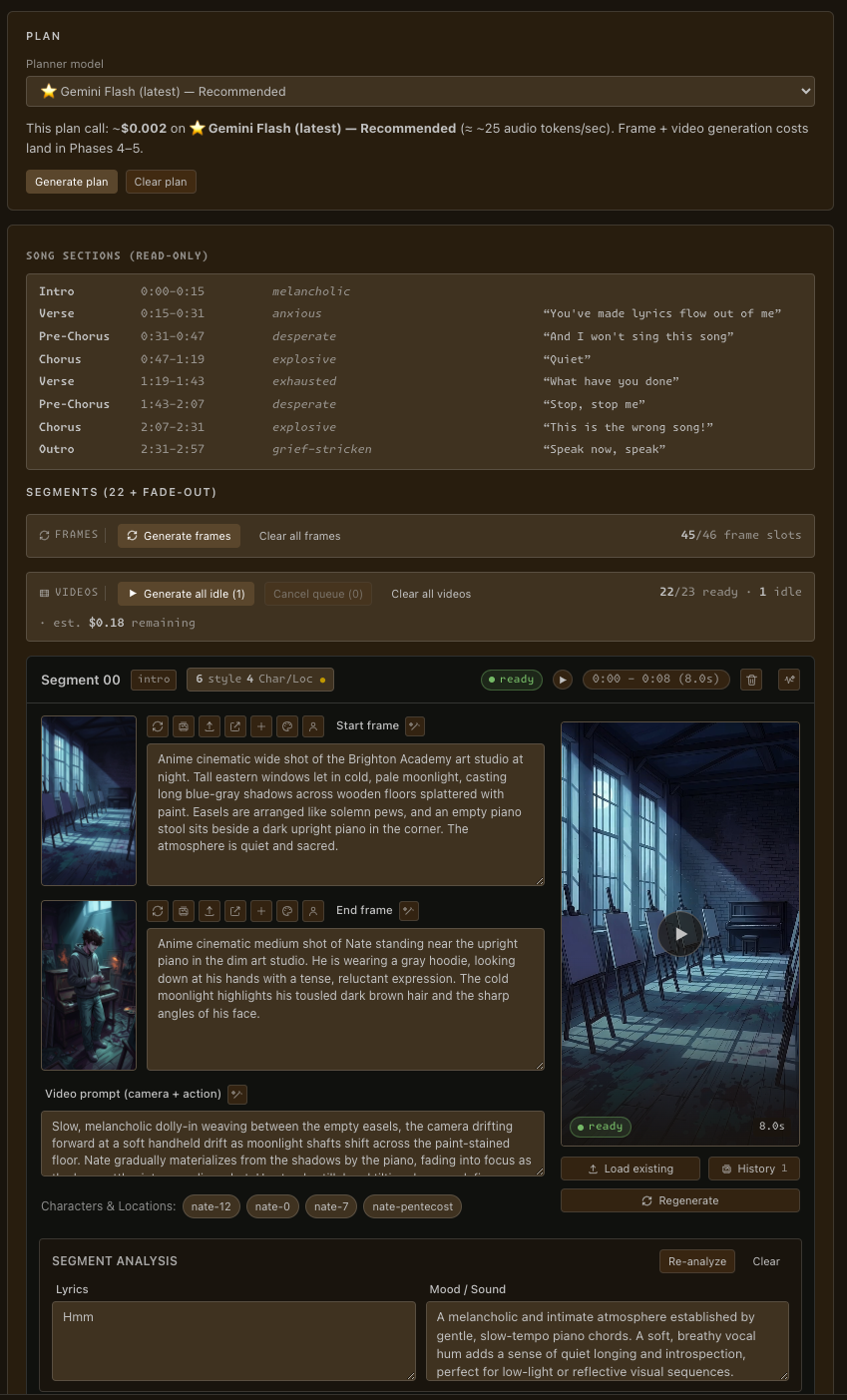
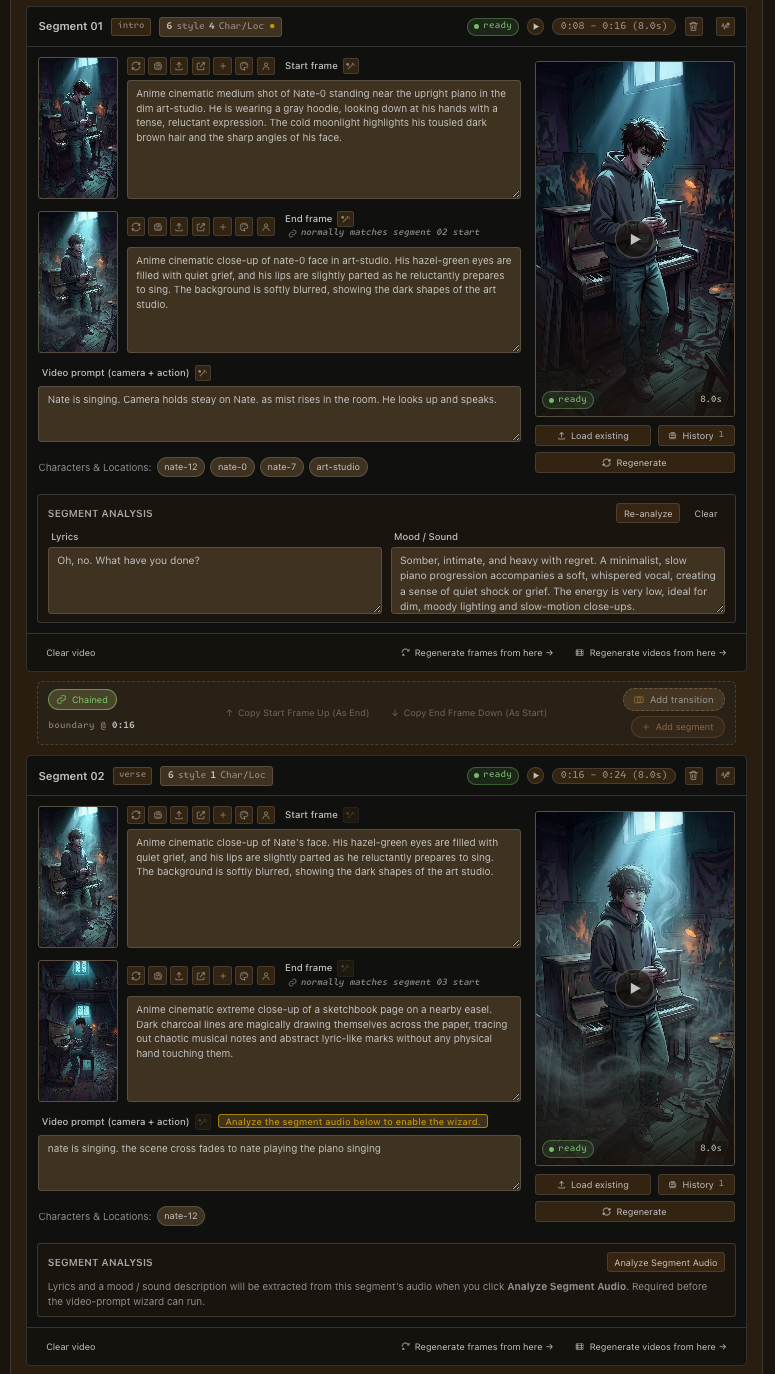
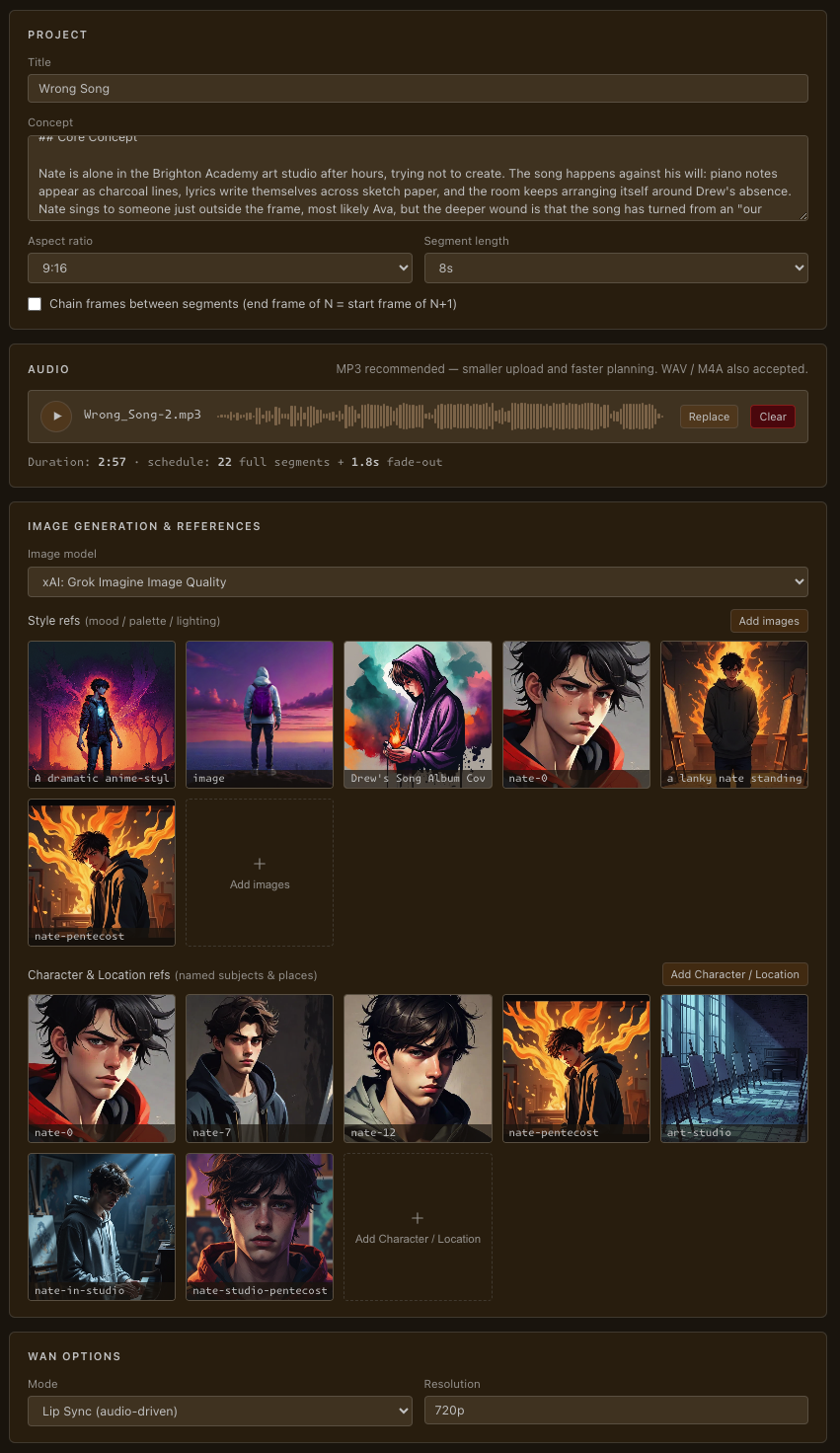
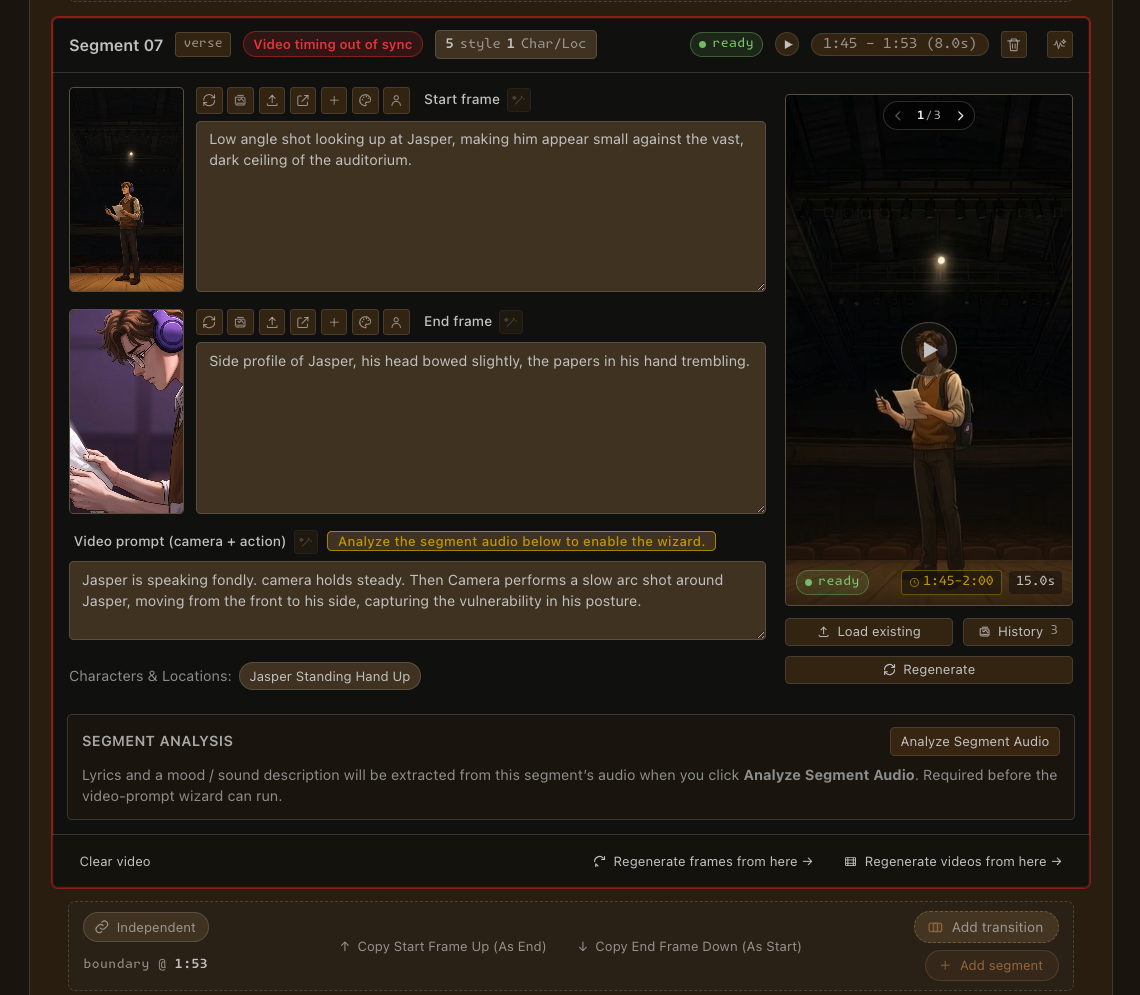
Set the look, then hand over the track. Add style references for mood, palette and lighting; add named characters and locations so your subjects stay consistent; upload your song. The planner reads the song's structure and lays out a shot per segment — start-frame prompt, end-frame prompt, camera/action prompt, and timing — ready to refine.


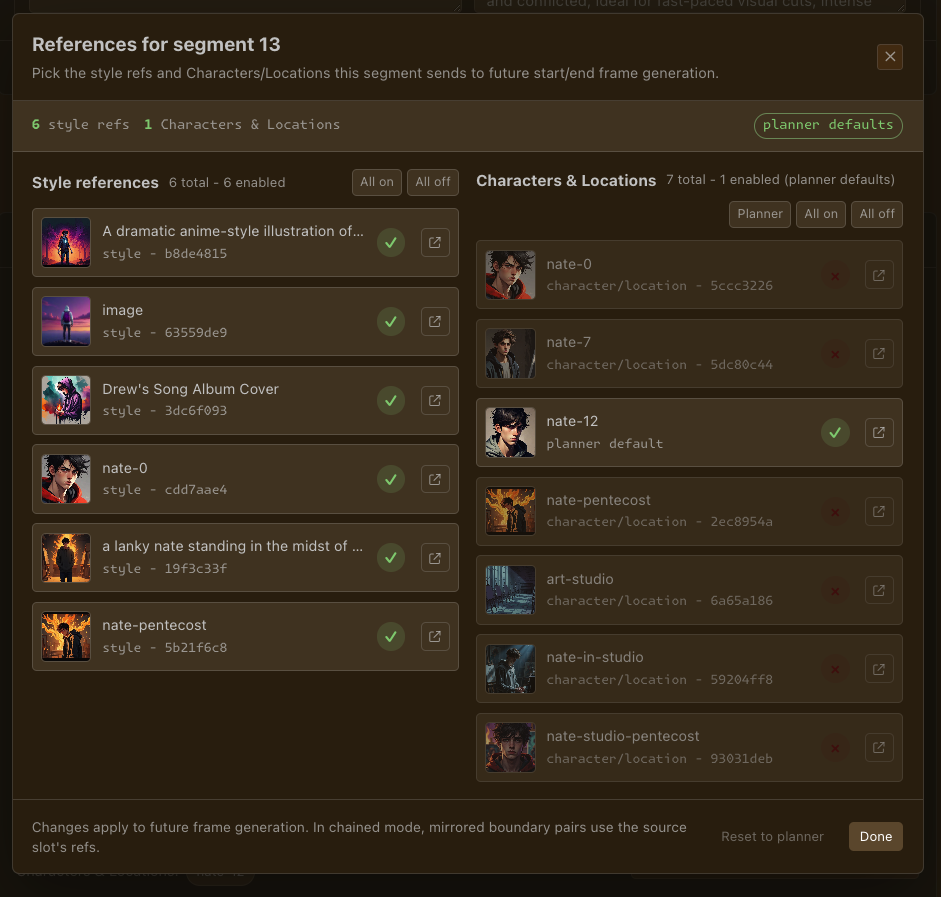
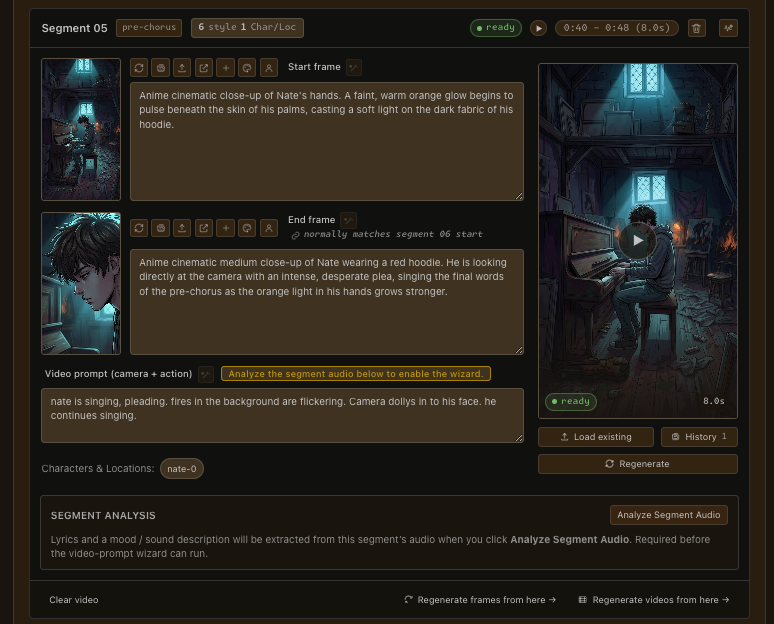
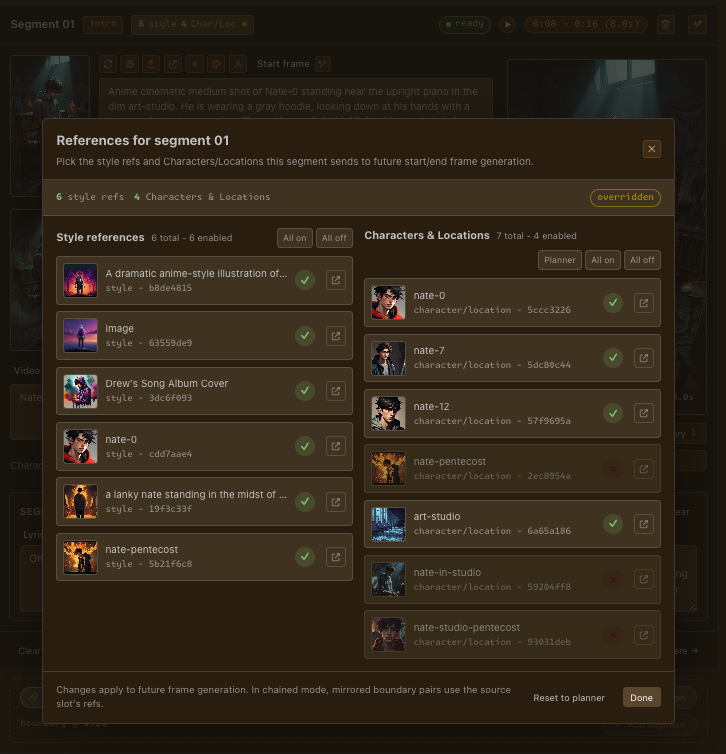
Generate start and end frames per segment, with continuity built in — each shot's end frame normally matches the next shot's start. Direct any segment: tweak the start/end frame prompts, or swap exactly which style and character/location references that segment uses. Promote a great frame into project-wide refs.


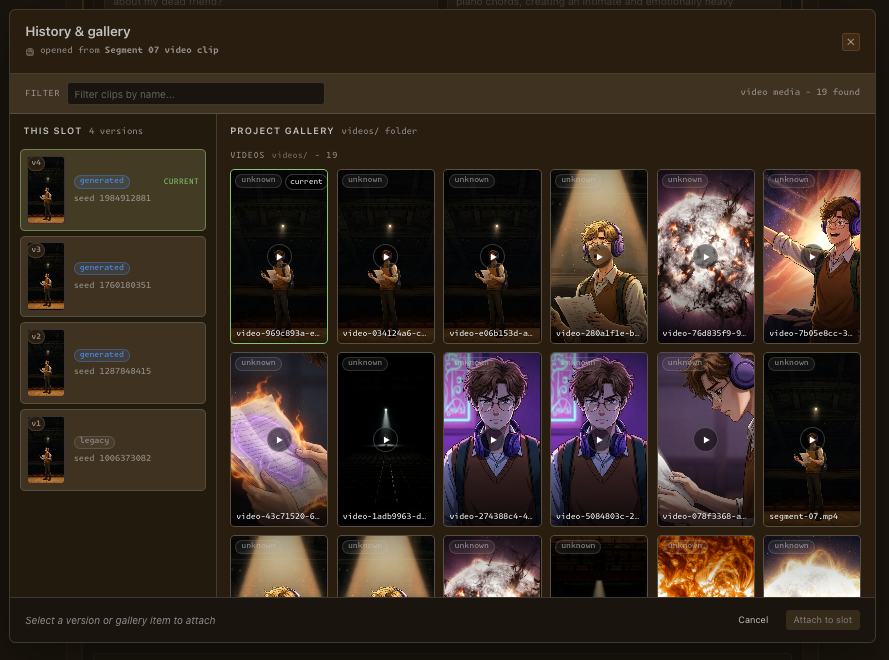
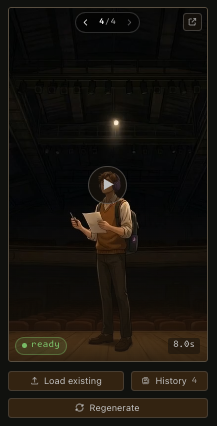
Per-segment video generation runs in parallel. For lip-sync, Frame Minion automatically slices the song to exactly that segment's window and hands the model just that slice — so the mouth matches the real lyrics at that moment. And a complete history of every frame and video generation persists — step back through takes and revert in a click.


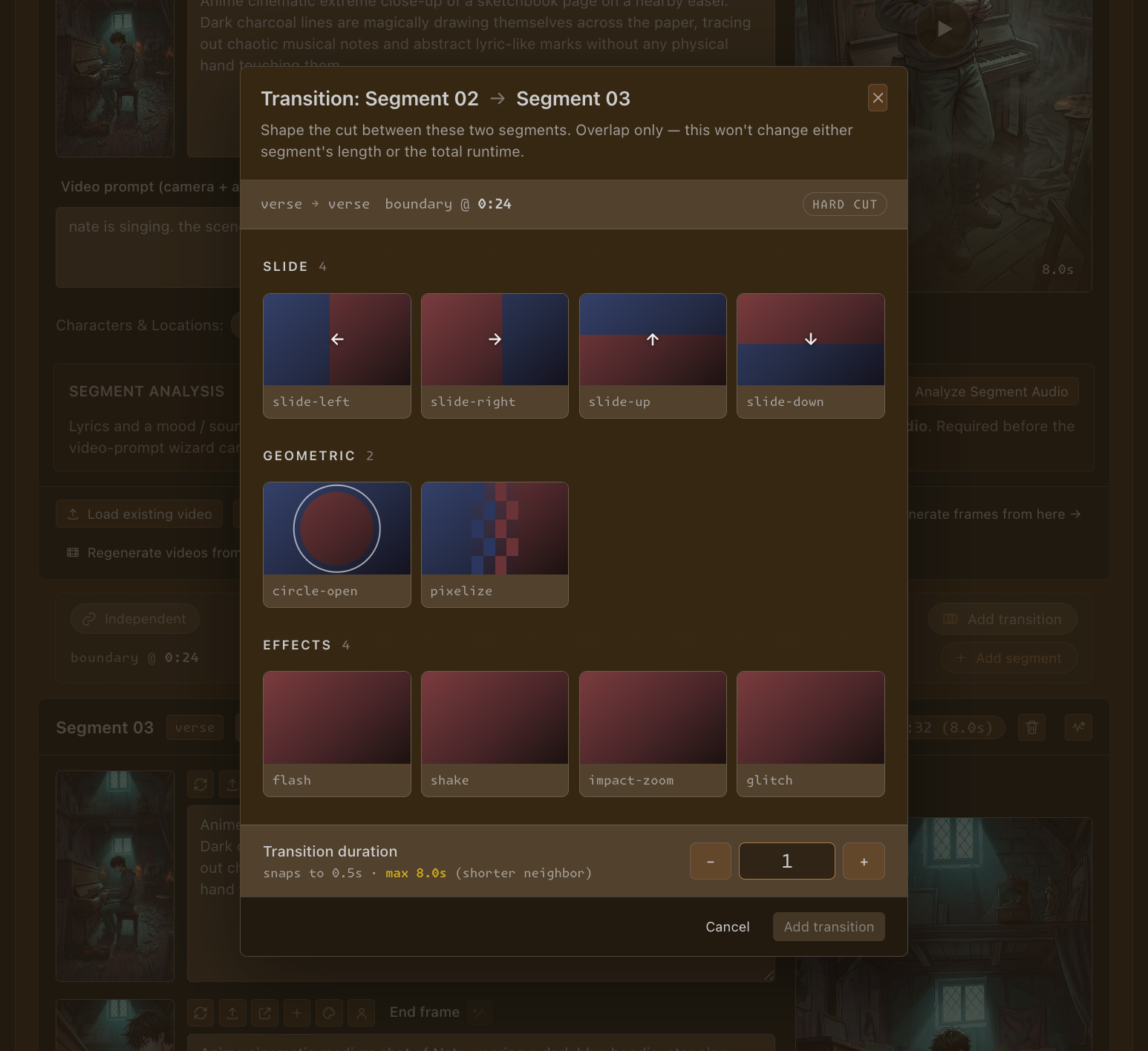
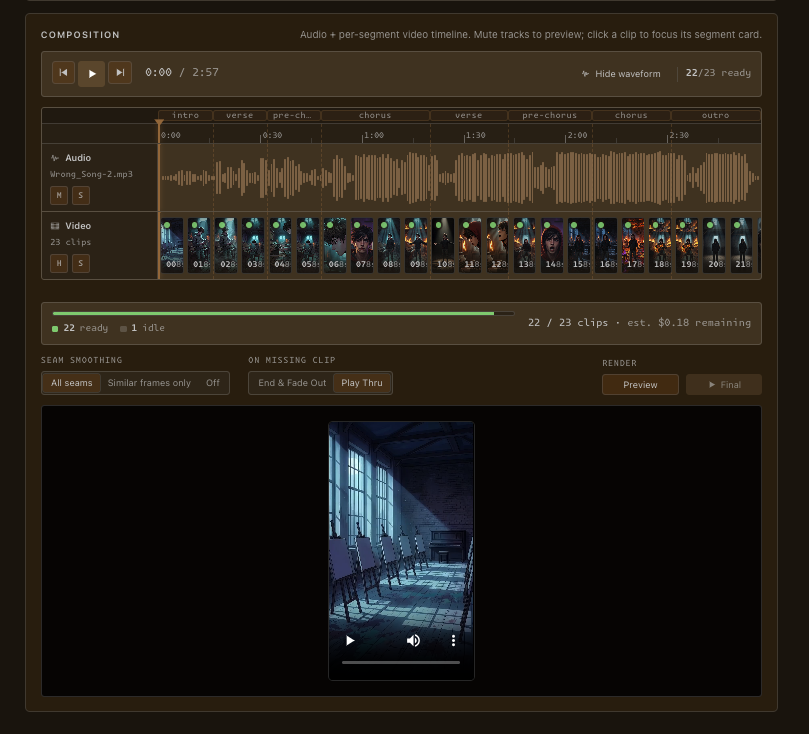
History · 4 takesPlace one of 16 transition presets across six families — fades, dissolves, wipes, slides, geometric, and effects like flash, shake, impact-zoom and glitch — on any boundary. An overlap model that never changes your runtime. Optional seam smoothing blends hard cuts automatically.

Regenerate a clip, swap in a different take, or change a segment's duration, and every segment still respects its own stored timing. Frame Minion flags the exact moment a clip drifts out of sync with the track — so the cut never silently slips as you iterate.

Preview or final-render the whole thing with ffmpeg. The per-segment clips concatenate back in order and the full song lays over the top, so the finished video stays locked to the track end to end — with seam smoothing optional on every boundary.

Every frame and video slot keeps a version history. Step back and forth through takes, or browse the project gallery.
Regenerate a segment's video prompt from its frames + audio analysis; analyze a segment's audio for lyrics and mood.
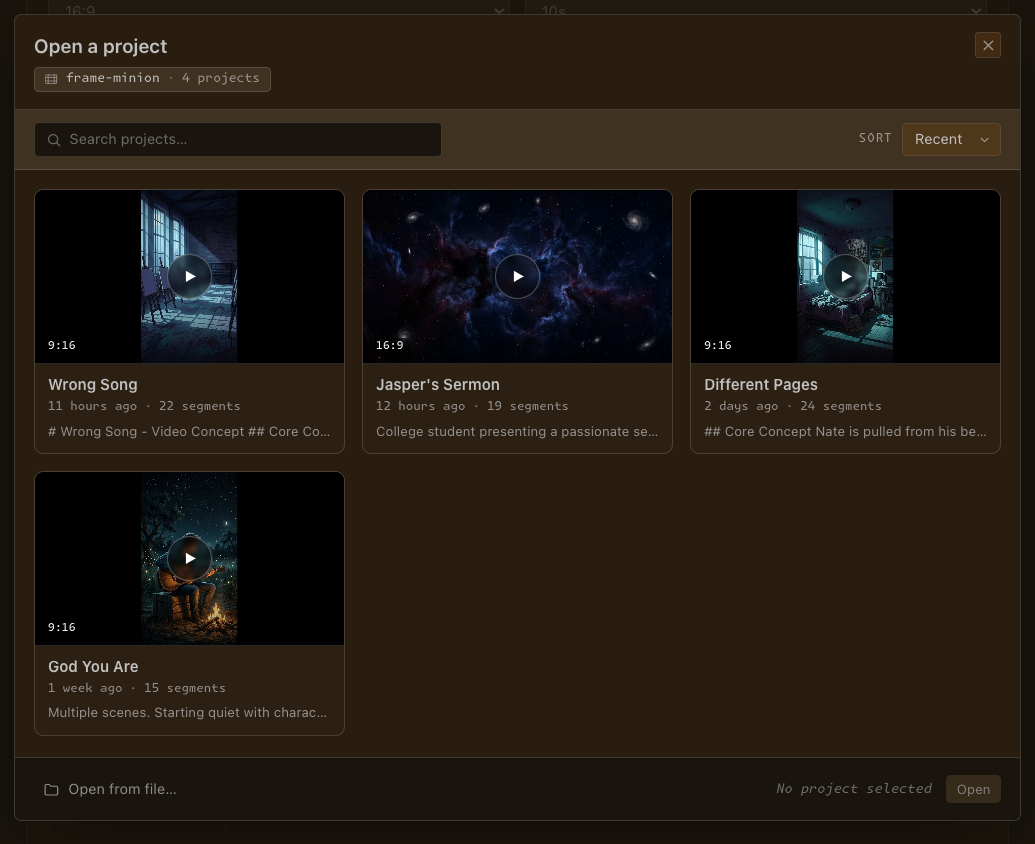
Projects persist to a workspace folder. Reopen and everything — frames, clips, history, transitions, timing — comes back.
Three music videos, planned, generated, and rendered start-to-finish inside VS Code. No timeline app, no render farm.
Featuring songs by Drew's Song from the album Drew's Song, available on Apple Music and Spotify.
API keys live in VS Code's encrypted SecretStorage — not in settings, not on a server.
Calls go straight from your editor to OpenRouter and fal.ai. Your prompts and media are yours.
Layered, typed, tested — built to last. Forked from the pixel-minion framework.
Search Frame Minion in the VS Code Extensions view, or grab it from the web Marketplace.
Run brew install ffmpeg (or your platform's package manager) — Frame Minion uses it to preview and render the final cut.
Open the Frame Minion view and paste your OpenRouter and fal.ai keys. Both live in encrypted SecretStorage.
Generate a frame, push it to video, or hand a song to the Orchestrator.
Bring your own OpenRouter and fal.ai keys — fal.ai signs the short-lived storage URLs that deliver your frames and audio to the video models, so it's required. ffmpeg installs separately via Homebrew.